All your reading,in one place.

Books, PDFs, saved articles, newsletters and the blogs you follow, together in one calm app on your phone. No algorithm deciding what's next, nothing pulling you away mid-page.

Download on the App StoreGet it on Google Play

Free for 14 days, then a simple subscription.

01 / 07

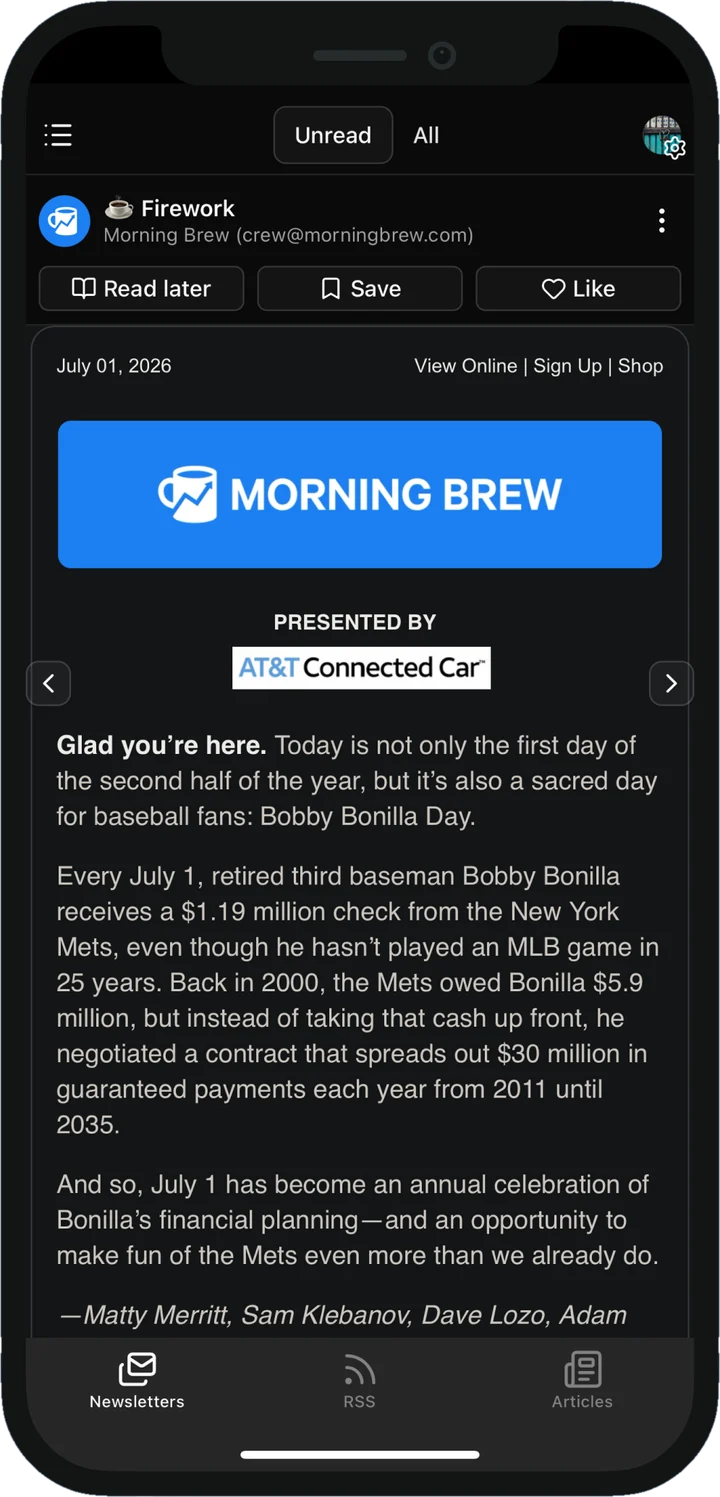
Newsletters, without the inbox

Get your own @readbuff.com address for subscriptions. Every issue lands in ReadBuff, and your inbox goes back to being for people.

  • Nothing reaches you until you say yes
  • Save any issue for later, or keep the ones you love
  • Unsubscribe from anything in a tap
02 / 07

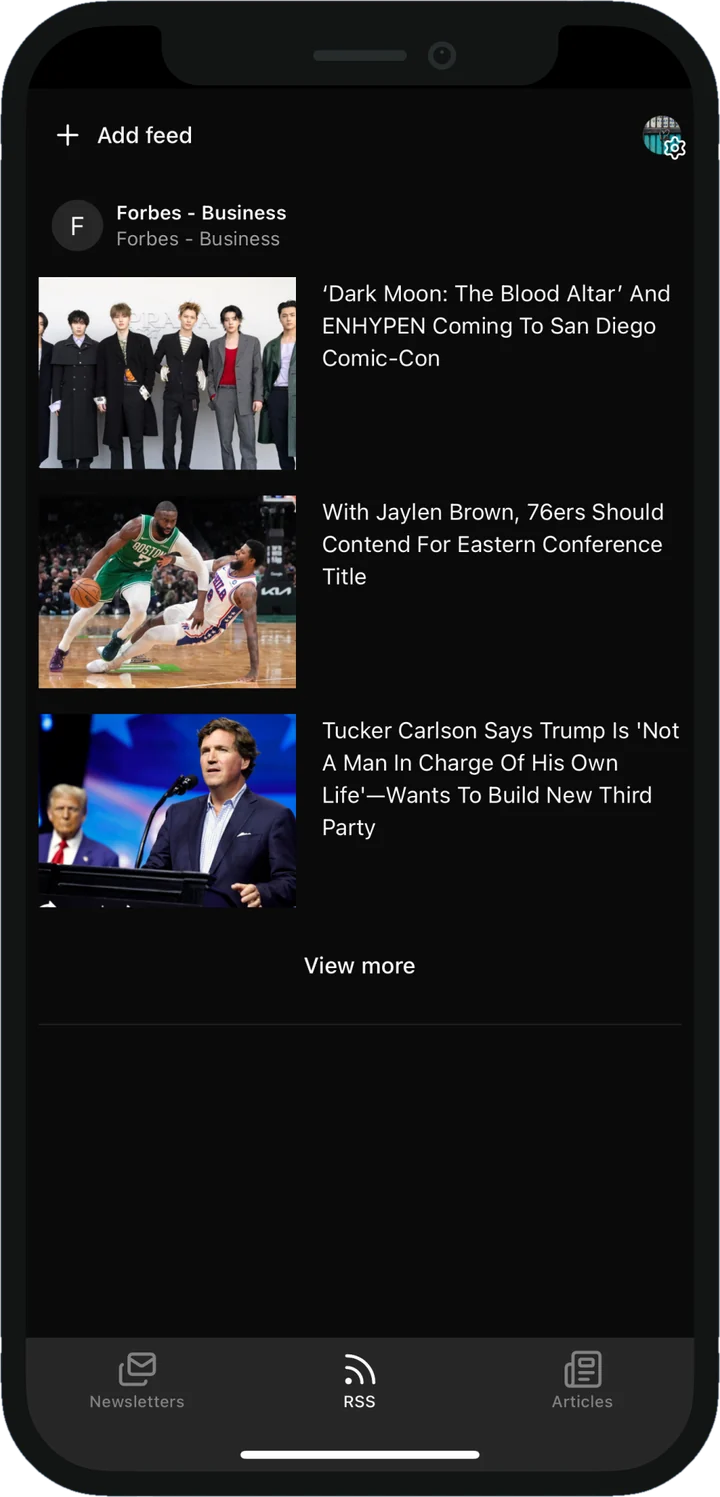
Every site you follow, in one feed

Add the blogs, writers and publications you love. New posts arrive in the order they're published, with no algorithm choosing what you see.

  • Follow almost any blog or news site
  • Skim the headlines, dive into what catches your eye
  • Save the best posts for later
03 / 07

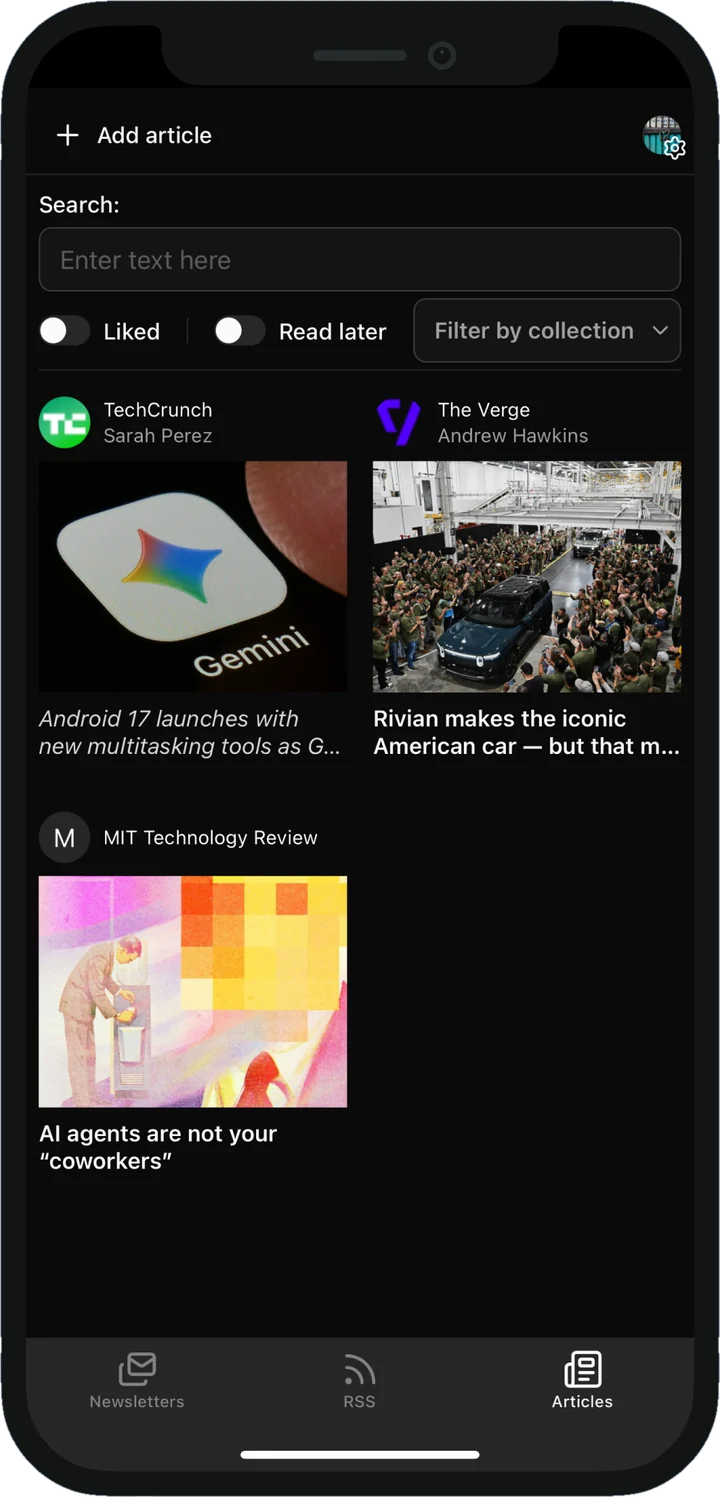
Save it now, read it properly later

Spot something worth reading? Send it to ReadBuff from your browser or any app, and it's there when you finally have a quiet moment.

  • Save from any app on your phone
  • Find any article again in seconds
  • Sort them into collections
04 / 07

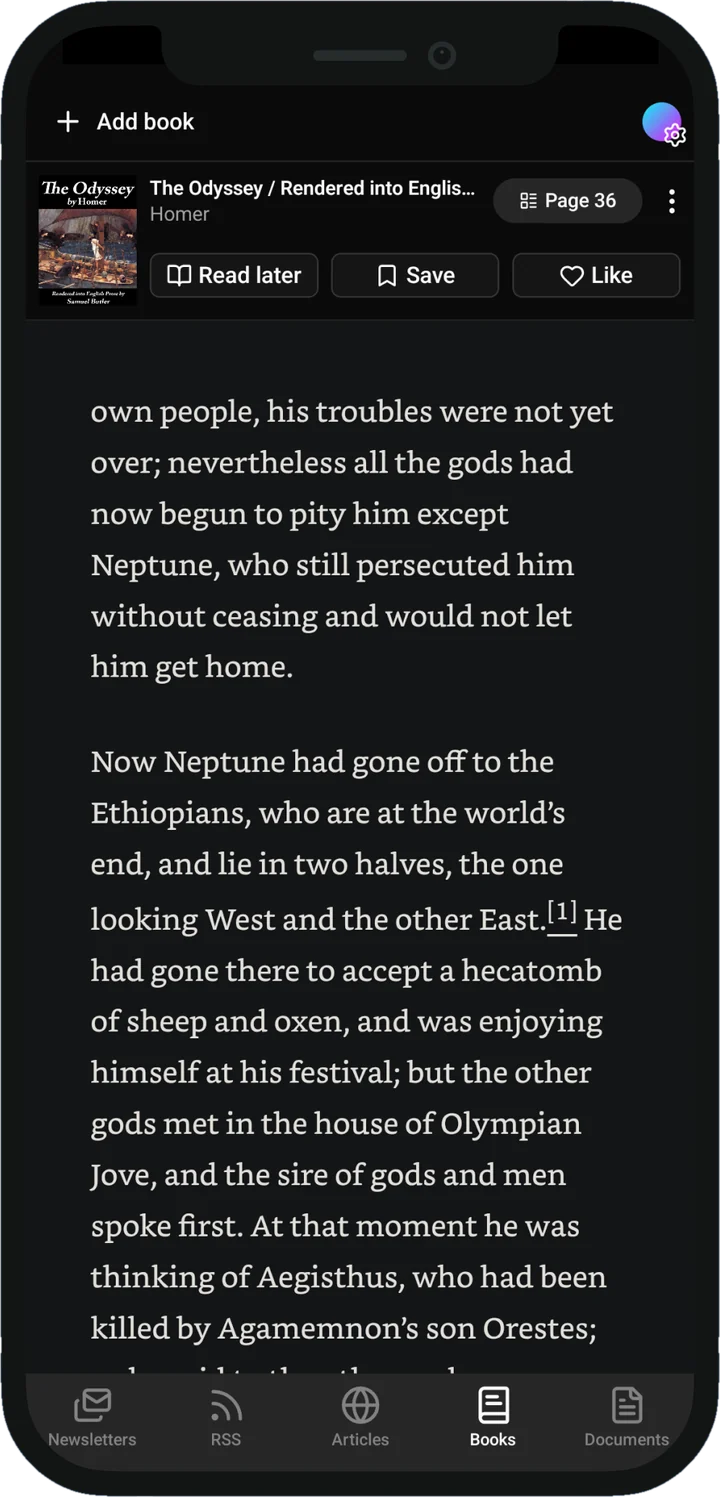
A reader that gets out of the way

Bring your own EPUB books and read them on clean, comfortable pages, with nothing competing for your attention.

  • Turn pages with a swipe
  • Bookmark a page with a double tap
  • Always opens right where you left off
05 / 07

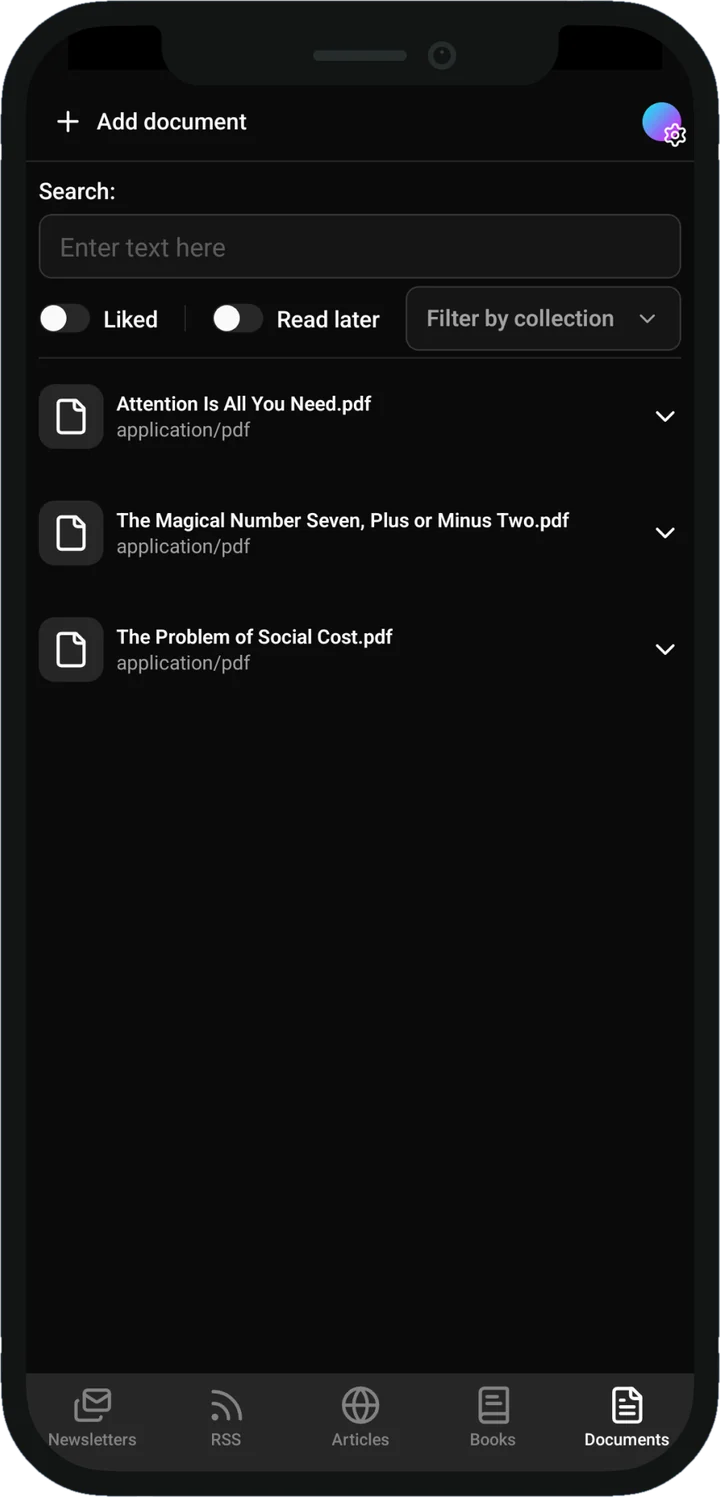
PDFs you'll actually find again

Reports, papers and manuals live next to the rest of your reading, not buried in a downloads folder.

  • Add PDFs straight from your phone
  • Jump to any section from the contents
  • Bookmark the pages you come back to
06 / 07

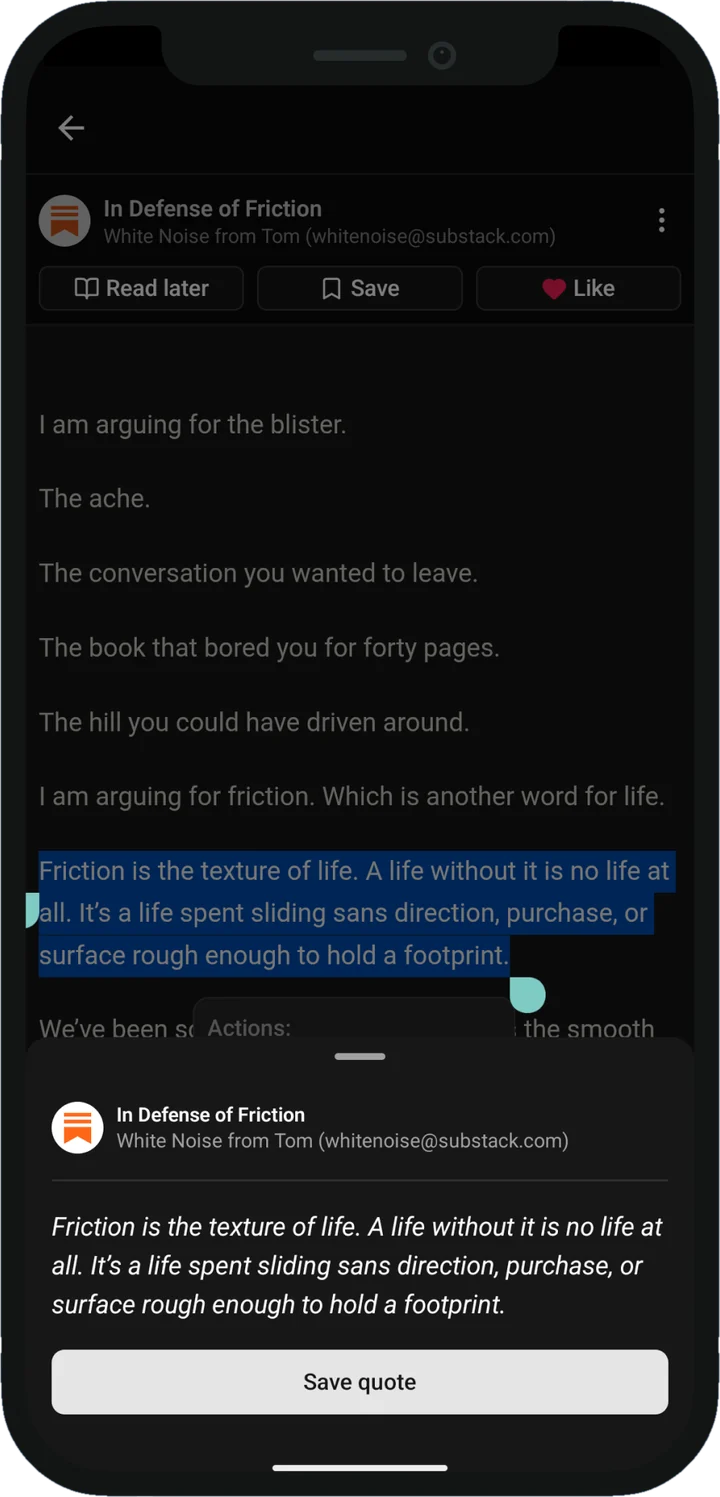
Never lose a great line again

Highlight a passage in anything you read and it's saved as a quote. Come back to it any time, or share it as a card that looks good anywhere.

  • Works in books, newsletters and articles
  • Share as a ready-made image
  • Find any quote in seconds
07 / 07

Your reading, the way you like it

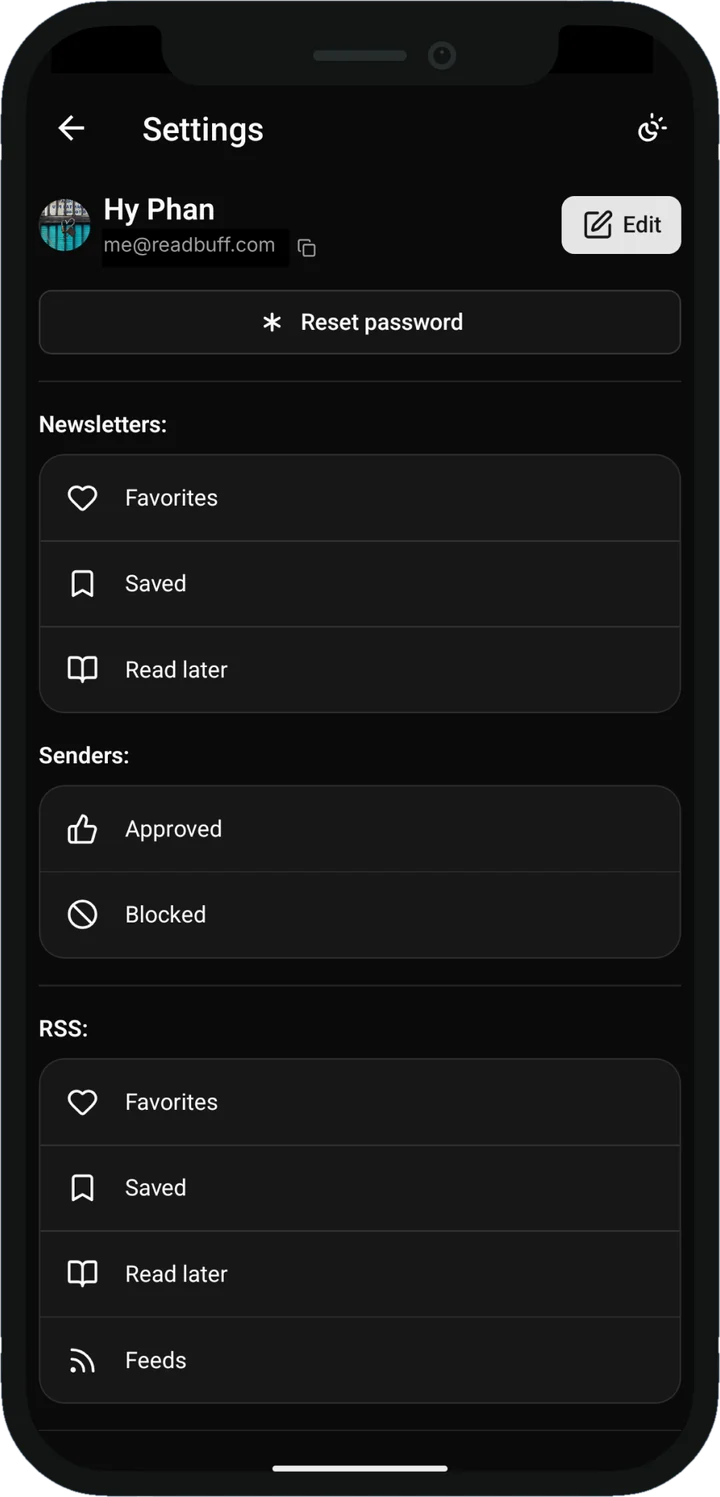
Star your favourites, set things aside for later and group them however makes sense to you. You decide what comes in, and what stays out.

  • Favourites and read-later lists
  • Collections for anything you like
  • Choose exactly who can email you
ReadBuff Newsletters screenReadBuff RSS screenReadBuff Articles screenReadBuff Books screenReadBuff Documents screenReadBuff Quotes screenReadBuff Organise screen

Your reading is scattered across a dozen places.

ReadBuff puts it all on one shelf.

Save the lines that stay with you.

Highlight a passage in any book, newsletter or article and it's saved as a quote. Find it again with search, or turn it into a card and send it to the one friend who'll get it.

The Quiet HourChapter 3

He had a book in his hand, but she had seen him put it down twice without turning a page. The room was full and nobody was listening, which suited them both.

There is a kind of attention that only arrives once the noise has gone, and it is worth waiting for. She thought of it for the rest of the evening, and long after the candles were out.

p. 21478%
There is a kind of attention that only arrives once the noise has gone, and it is worth waiting for.
The Quiet HourChapter 3ReadBuff

Dark mode that's easy on your eyes.

Late-night reading shouldn't start with a blast of white flashbang. ReadBuff gives every newsletter, article and feed a proper dark theme, even the ones that were never designed for one.

And the small things that add up.

  • Collections

    Group books, articles and PDFs however you like.

  • Search everything

    Find any book, article or quote in one go.

  • Bookmarks

    Mark your place and jump straight back.

  • Any chapter, instantly

    Skip around a book straight from the contents.

  • One-tap unsubscribe

    Done with a newsletter? It's gone in a tap.

  • Quiet notifications

    A gentle heads-up when something new arrives, never a flood.

Two weeks free. Then one simple plan.

Every feature is unlocked from day one. If ReadBuff earns a spot on your phone, keep going with a single subscription through the App Store or Google Play.

  • Every feature included
  • Your own @readbuff.com address
  • Cancel any time
Download on the App StoreGet it on Google Play

Questions, answered.

Something else? Write to hello@readbuff.com or visit support.

01How does the @readbuff.com address work?

When you sign up you choose a username, and that becomes your address. Use it anywhere you'd normally type your email to subscribe to a newsletter. Issues arrive in ReadBuff instead of your inbox, and new senders wait for your approval before they show up.

02Which files can I import?

EPUB books and PDF documents. Add them straight from your phone and they sit right alongside everything else you read.

03How do I save an article?

Use the share button in your browser or any app and pick ReadBuff. It's saved to your library, ready whenever you are.

04Is there a web version?

There's a web reader at app.readbuff.com for newsletters, but ReadBuff is made for phones first, and new features land in the iOS and Android apps.

05What happens when my free trial ends?

You'll be asked to start a subscription to keep using the app. Billing is handled by the App Store or Google Play, so you can manage or cancel it from your store account any time.

06How do I delete my account?

In the app, go to Settings and tap Delete account. That removes your account and everything stored with it. The support page has the details.

More reading. Less noise.

Everything you want to read, together in one calm app. Free for 14 days, and you only pay if you decide to stay.

Download on the App StoreGet it on Google Play